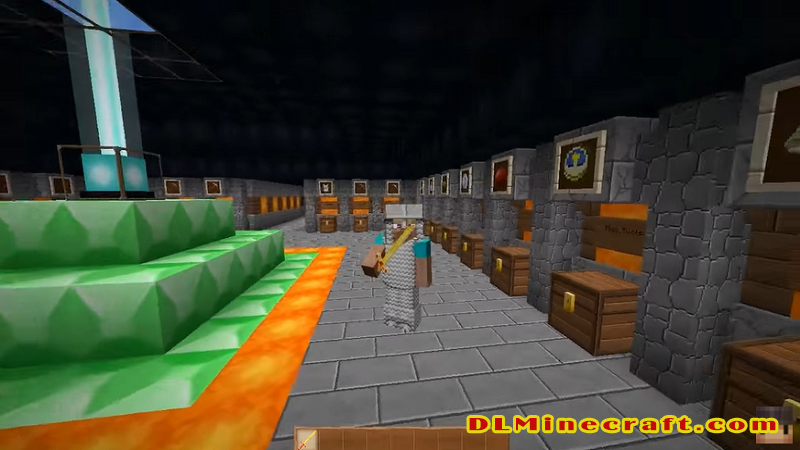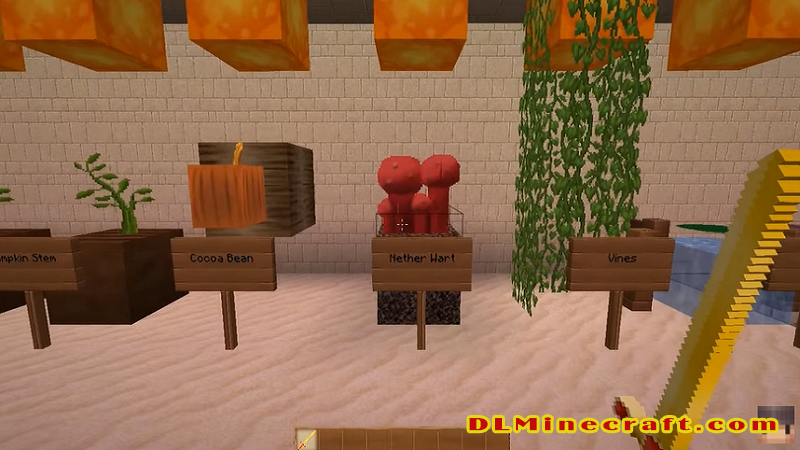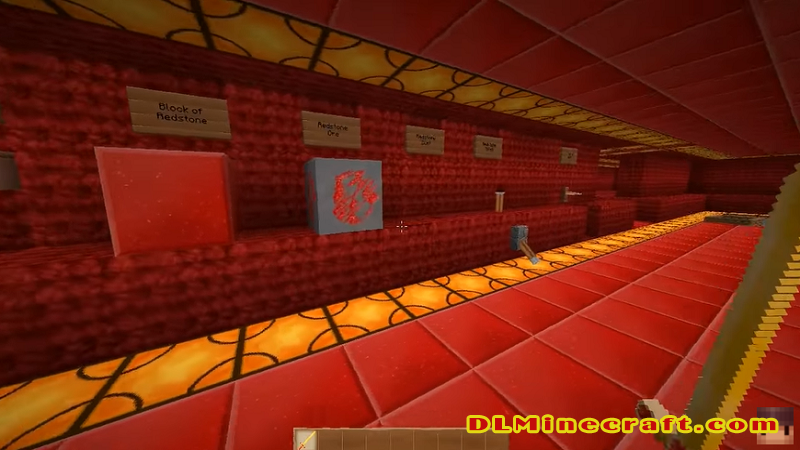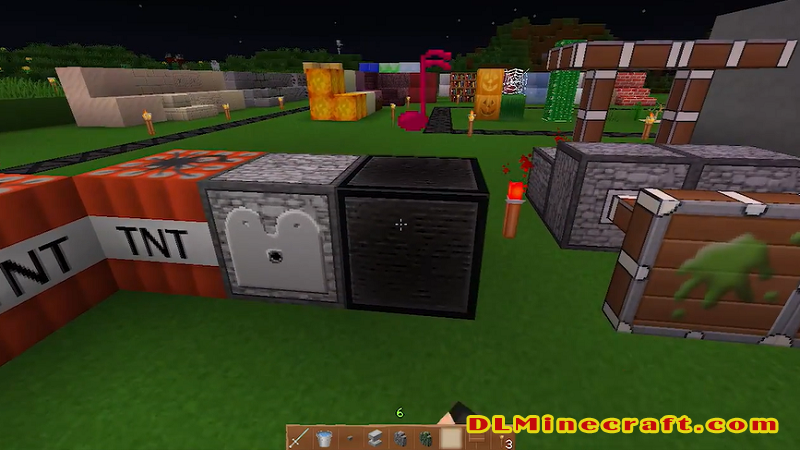
Marvelouscraft 1.11 and 1.9 is a smooth-looking, simple, defined, and crisp texture pack that aims to deliver a new, more detailed, and less pixelated look, without making exaggerated Resource changes, so it slightly maintains the feel of Minecraft’s predefined Resource.
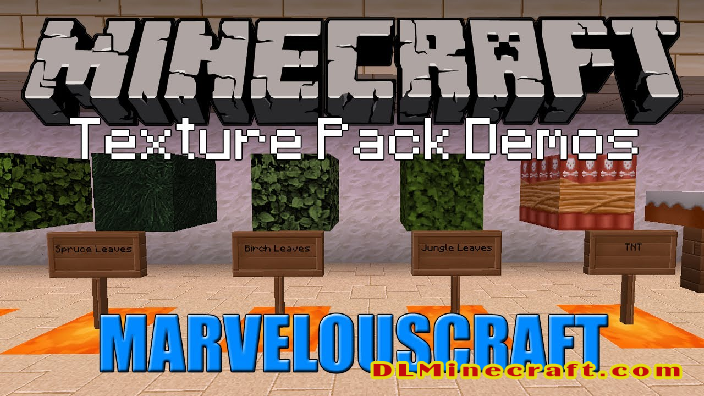
It is a Resource Packs with a resolution of 64x, so it is advisable to use Optifine or MC Patcher to be able to take full advantage of this pack.
FAQ:
What is The difference between Minecraft texture packs and resource packs?
Both are the same! There is no difference between Minecraft Texture Packs and Minecraft Resource Packs. In Java Edition, 1.6 texture packs were replaced with resource packs, which change the textures of the game and things like sounds, music, language files, fonts, splash texts, and more. Texture packs only modify the game’s decoration; resource packs can modify decorations, audio files, animations, etc.
What do mods and data packs do in Minecraft?
Mods make the game more enjoyable; change the default game code. Resource Packs change textures, sounds, models, and other resources that are already in the game. Data Packs provide a way for players to customize their Minecraft experience further.
Features
o A lot of CTM-Stuff (but visible glass 😉 )
o A lot of Randomnmobs (not all cows look the same)
o Every texture the game has to offer is done (except Enderdragon)
o 23 custom animations
o Custom Colors for everything.
How to install Marvelouscraft Resource Packs for Minecraft?
Download Optifine 1.9 (Minecraft versions 1.9.x only).
Download Optifine 1.11 (Minecraft versions 1.11.x only).
Download Marvelouscraft Resource Packs 1.11 or Marvelouscraft Resource Packs 1.9
Open the .minecraft/resourcepacks folder.
Paste the downloaded .zip file into the “resource packs” folder.
We already have it installed and working in our Minecraft!