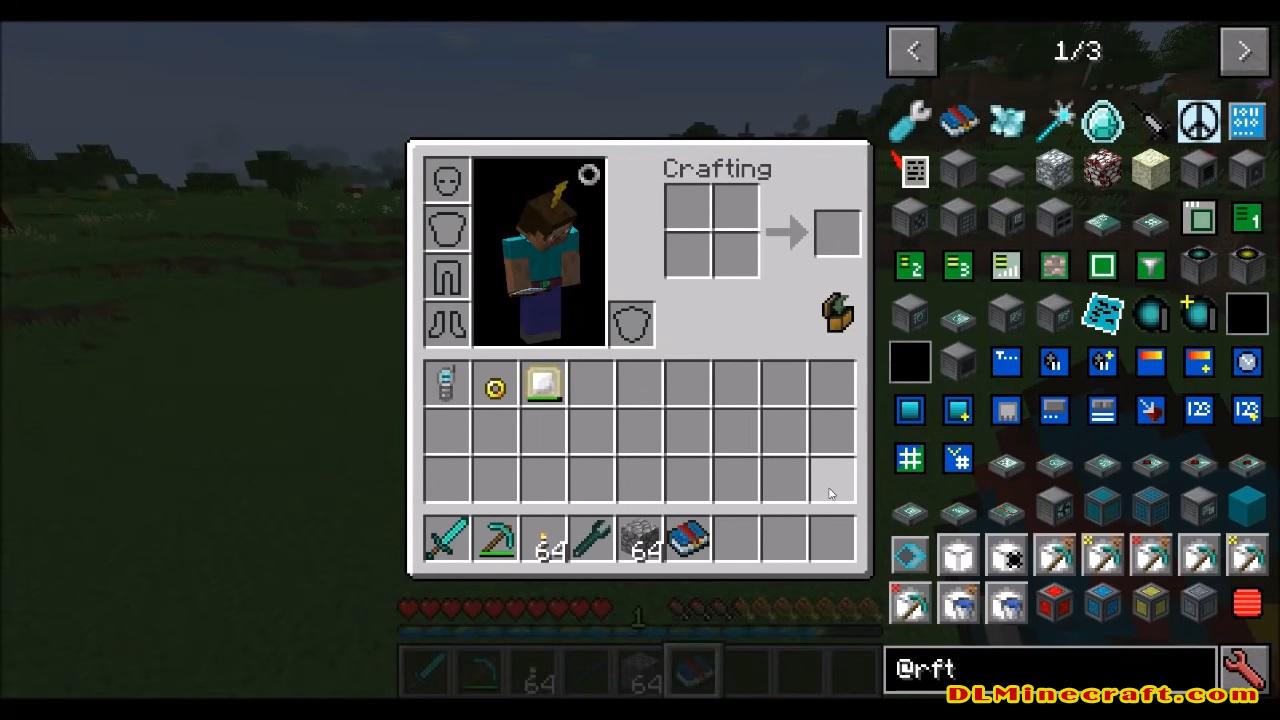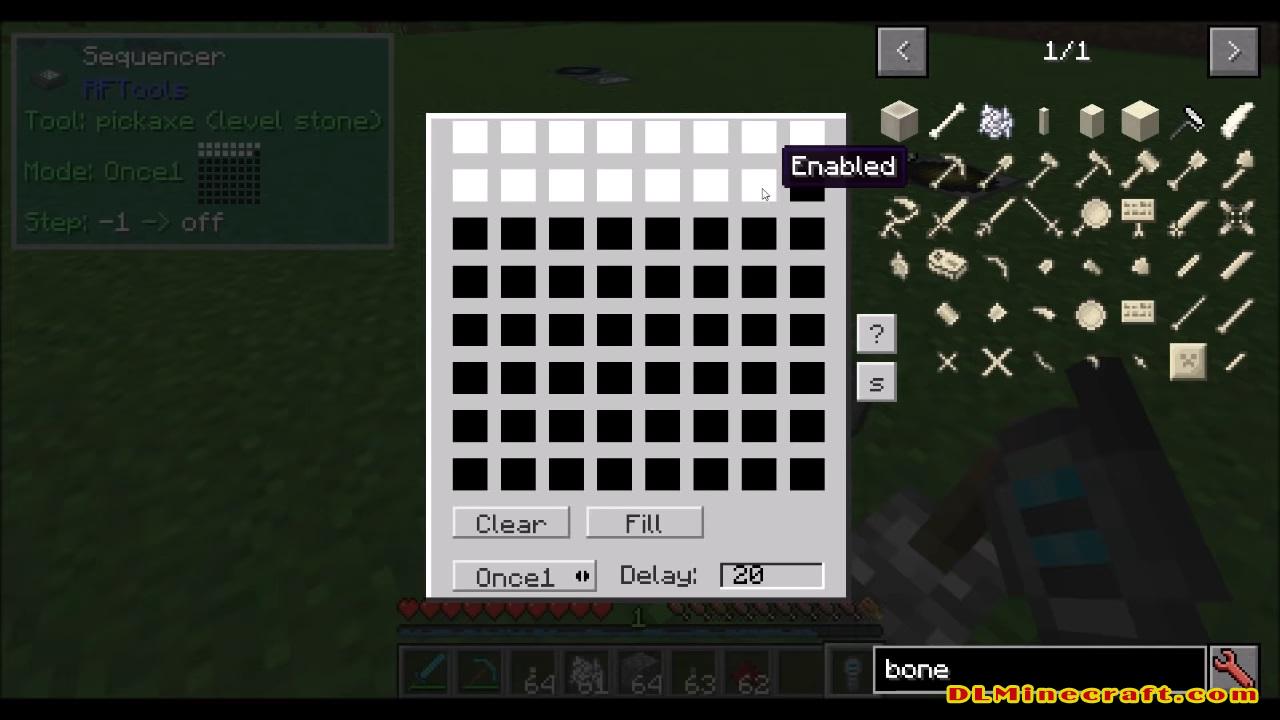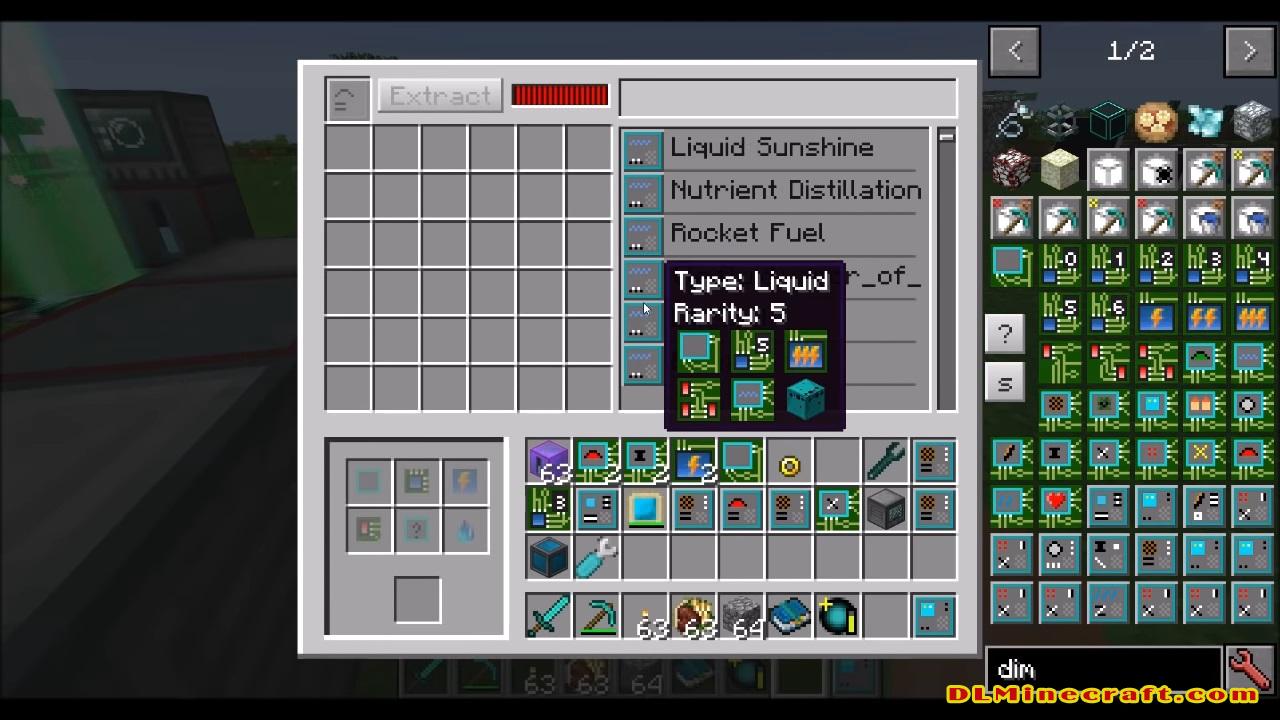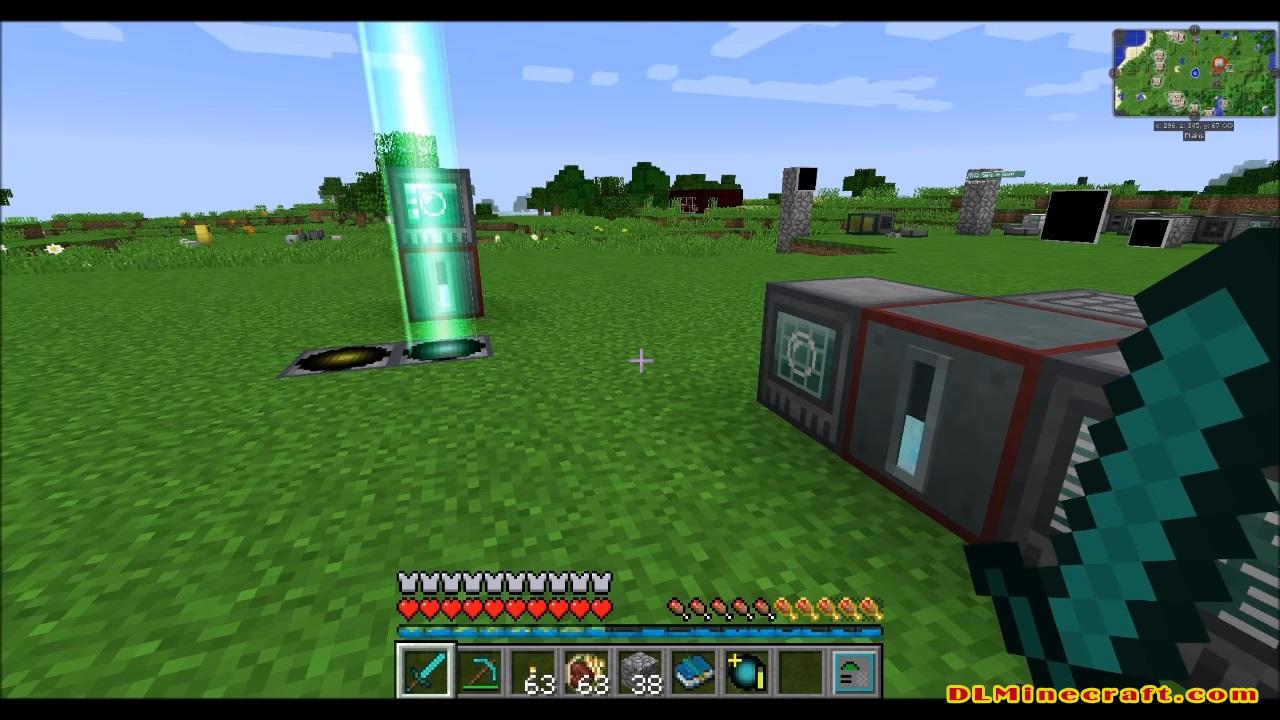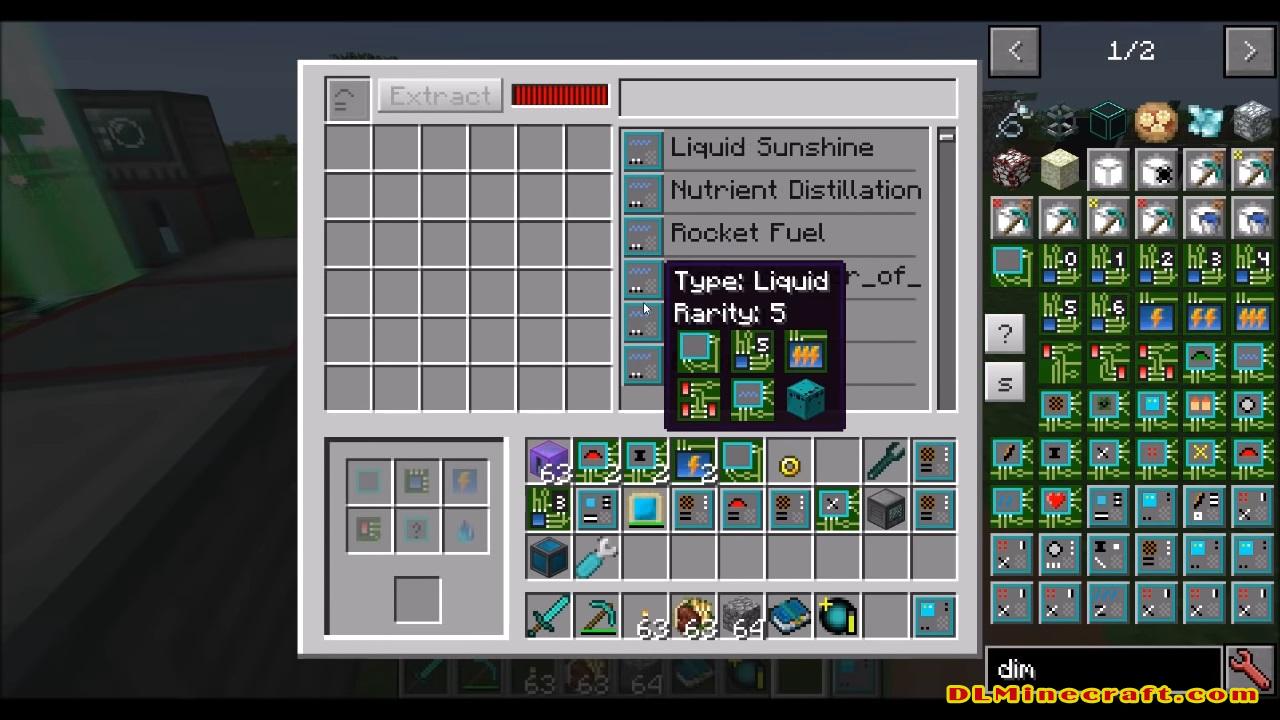
RFTools Mod 1.14.4, 1.15.2, and 1.16.5 offer us new blocks and technological objects that will allow us to create our own dimensions, according to our tastes or needs. Once a dimension is created you can explore it, you can simply enjoy a new world, create your new base in that dimension, move systems there, collect resources, or anything else you want to do.

Want to explore new dimensions? Then create your own dimensions with this mod.
Every good explorer requires new weapons, armor pieces and tools, which is why this mod adds various machines and objects that will allow us to develop new variants of those objects. The machines in this mod will run on RF (Redstone Flux) power.
Note! This mod no longer exists on 1.16.5, 1.15.2, 1.14.4, and 1.14.3 Instead it has been split into multiple mods starting with RFTools Base!
Features:
- Dimensional Shard oregen, small amount in the overworld, more in other dimensions.
- The machine infuser.
- Base crafting materials for the other tech mods.
- The smart wrench.
- Security and owner system.
Old Information
Note! RFTools requires McJtyLib!
Note! If you want to use dimensions then you have to get the RFTools Dimensions mod as the dimension builder has been moved there. Also check out RFTools Control which is another companion mod for RFTools adding powerful automation capabilities.
Note! Comments have been disabled because it is hard for me to check for this on too many places. If you want to submit a bug report then go to the ‘Issues’ tab or here: RFTools Issue Tracker. If you want to discuss RFTools in general you can do that here: RFTools on my discord
RFTools 1.12-7.73
– Joseph fixed #2021: make fluid and counter screen modules handle format correctly
FAQ:
Which is the latest version of Minecraft Forge?
The latest version of Minecraft Forge is 1.16.5. The latest recommended version of Minecraft Forge is 1.15.2; Minecraft Forge (Modding API) is heavily installed at versions 1.15.2,1.12.2. Some mods require a specific version of Minecraft Forge. New version of Minecraft Forge 1.16.5 has less testing, and many mods do not support it.
How do you download Minecraft Forge?
First, head to Minecraft forge and download the program. You want to make sure that you download the version of Forge that corresponds to the version of Minecraft you have, Select the Minecraft Forge menu on the right side of this website.
Do you have to have Minecraft to use forge?
Yes, Make sure you have Minecraft installed.Minecraft Forge only works for Minecraft: Java Edition. Minecraft for PC, XBox One and PS4 cannot be modded.
Is modding Minecraft illegal?
No, modding Minecraft is not illegal.
Related Mods:
How to install RFTools Mod 1.16.5, 1.15.2, 1.14.4, and 1.13.2
- Make sure you have Minecraft Forge ,McJtyLib 1.12 y 1.12.1 and McJtyLib 1.12.2
- Download RFTools Mod from link(s) below/above
- On PC Windows, Go to the Start menu
Type: %appdata%/.minecraft
Press Enter to Run %appdata%/.minecraft
- On macOS open finder, hold down ALT, and click Go then Library in the top menu bar. Open the folder Application Support and look for Minecraft.
- Go to minecraft/mods folder
If the Mods folder does not exist, create one
- Paste the downloaded “McJtyLib” file into the .minecraft/mods folder
- Paste the downloaded mod file into the .minecraft/mods folder
- Now we can enjoy the automatic opening of doors!
Minecraft Forge(Modding API) Installation Guide
5 steps to successfully install Forge Minecraft
1. Access and Download select Minecraft forge version, then download the installer.
2. Requires installing Java on a computer. Open the .jar file you just downloaded, make sure ‘Install Client’ is selected, and click the OK button.
3. Run Minecraft and select the Forge profile, then click Play.
4. Select the Minecraft Forge menu on the left and the Mods button below Multiplayer.
5. Successfully, you can enjoy the mod just installed.
Download RFTools Mod for Minecraft 1.16.5, 1.15.2, 1.14.4, and 1.14.3
We do not host any Minecraft mods on our website! If you have any problems, please leave a comment below and we will help you