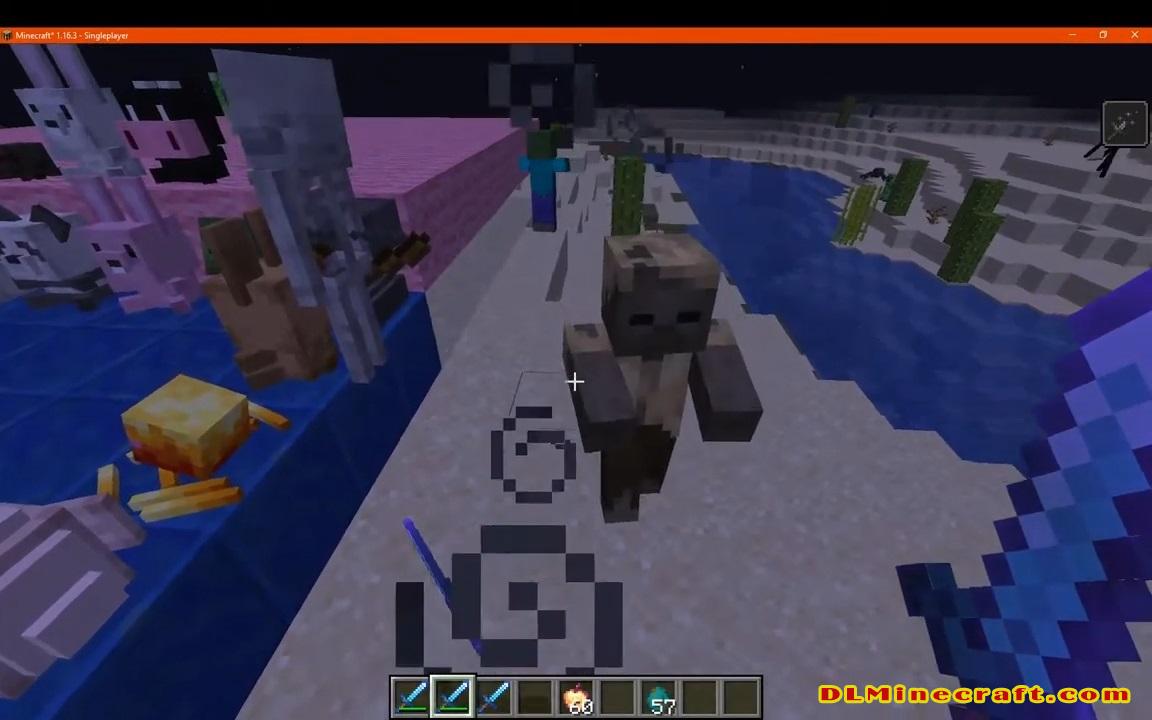
Weapon Throw Mod 1.16.5,1.16.4,1.16.3 and 1.15.2 adds the ability to throw your axes and swords. Useful if you want to finish a mob or just want to have some fun.
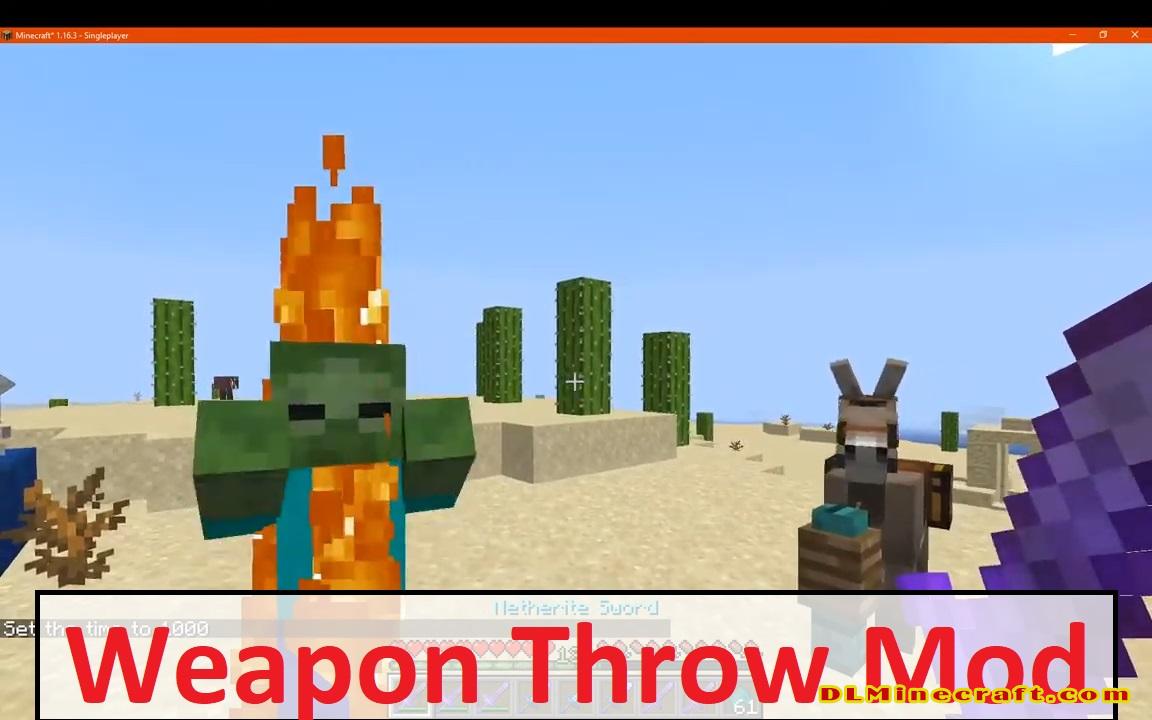
Weapon Throw 1.16.5,1.16.4,1.16.3 and 1.15.2 is a mod that will allow us, as its name suggests, to launch our weapons and tools against anything. This, no further than it can be, will allow you to use your melee weapons for ranged attacks. Launching weapons is now possible, with this mod installed.
The use of weapons and tools, with this mod installed, will be the same as always. That is, by right-clicking. While to launch weapons and tools you have to place them in the character’s hand and press “Alt + Q”.
Beyond the action of launching weapons and tools, the mod offers us the possibility to use new enchantments designed for the functionality offered by this mod. These enchantments will make the weapons and tools launched able to produce various effects.
Features
Enchantments
- Throw Enchantment: Increase throwing damage.
- Grounded Edge Enchantment: Chance to Apply weakness to near enemies on landing.
- Conccusion Enchantment: Chance to Apply Nausea and Slowness.
- Gravity Cursed Enchantment: Your weapon defies gravity. It will never fall until touch a block.
- Return Enchantment: Loyalty for common weapons.
Others
- Using Fire Aspect on weapons lit near enemies.
- Throwing Physics: Well, its not so advanced.
- Configurable!: Can modify general aspects like hud charge displacement, damage, range and disable enchantments.
- Whitelist: Any item whitelisted will recieve a default damage and throwing range.
- Blacklist: Any block blacklisted cannot be destroyed.
- Tools can interact at impact, so pickaxes, shovels and axes breaks blocks based on their tier.
- Project MMO Integration: Level based throwing experience above Forge 1.16.4
- Tetra Integration: Can be applied to Tetra Weapons
Experimental Features
Most of this features are on the works or are just for curious people. As any of these can be disabled on config.
All items can be throwed, as bonus each item will have special properties at throwing (Should be enabled above 2.7)
Use Method
Use Throw KeyBind (ALT+Q by default) to launch your axes and swords!
Holding KeyBind adds more power at cost of exhaustion.
FAQ:
Which is the latest version of Minecraft Forge?
The latest version of Minecraft Forge is 1.16.5. The latest recommended version of Minecraft Forge is 1.15.2; Minecraft Forge (Modding API) is heavily installed at versions 1.15.2,1.12.2. Some mods require a specific version of Minecraft Forge. New version of Minecraft Forge 1.16.5 has less testing, and many mods do not support it.
How do you download Minecraft Forge?
First, head to Minecraft forge and download the program. You want to make sure that you download the version of Forge that corresponds to the version of Minecraft you have, Select the Minecraft Forge menu on the right side of this website.
Do you have to have Minecraft to use forge?
Yes, Make sure you have Minecraft installed.Minecraft Forge only works for Minecraft: Java Edition. Minecraft for PC, XBox One and PS4 cannot be modded.
Is modding Minecraft illegal?
No, modding Minecraft is not illegal.
Related Mods:
How to install Weapon Throw Mod With Forge
- Make sure you have Minecraft Forge
- Download Weapon Throw Mod file from link(s) below/above
- On PC Windows, Go to the Start menu
Type: %appdata%/.minecraft
Press Enter to Run %appdata%/.minecraft
- On macOS open finder, hold down ALT, and click Go then Library in the top menu bar. Open the folder Application Support and look for Minecraft.
- Go to minecraft/mods folder
If Mods folder does not exist, create one
- Put The Veggie Way Mod file into the mods folder
- Launch Minecraft using Forge Profile, then Open Menu
- Now we can find tea trees in Minecraft!
Minecraft Forge(Modding API) Installation Guide
5 steps to successfully install Forge Minecraft
1. Access and Download select Minecraft forge version, then download the installer.
2. Requires installing Java on a computer. Open the .jar file you just downloaded, make sure ‘Install Client’ is selected, and click the OK button.
3. Run Minecraft and select the Forge profile, then click Play.
4. Select the Minecraft Forge menu on the left and the Mods button below Multiplayer.
5. Successfully, you can enjoy the mod just installed.
Download Weapon Throw Mod for Minecraft 1.16.5,1.16.4,1.16.3 and 1.15.2